Site Availability Options
Goal
Manage public access without exposing unfinished updates.
Before You Start
- Confirm the active website context before applying settings.
- Use an account with required permission.
- Save changes, then verify on the public experience.
Steps
- Open Website -> Site Availability.
- Select the required mode (live/maintenance/restricted).
- If maintenance is active, set a clear visitor message.
- Save availability changes immediately.
- Validate behavior in an incognito browser window.
UI Snapshots (Real Interaction)
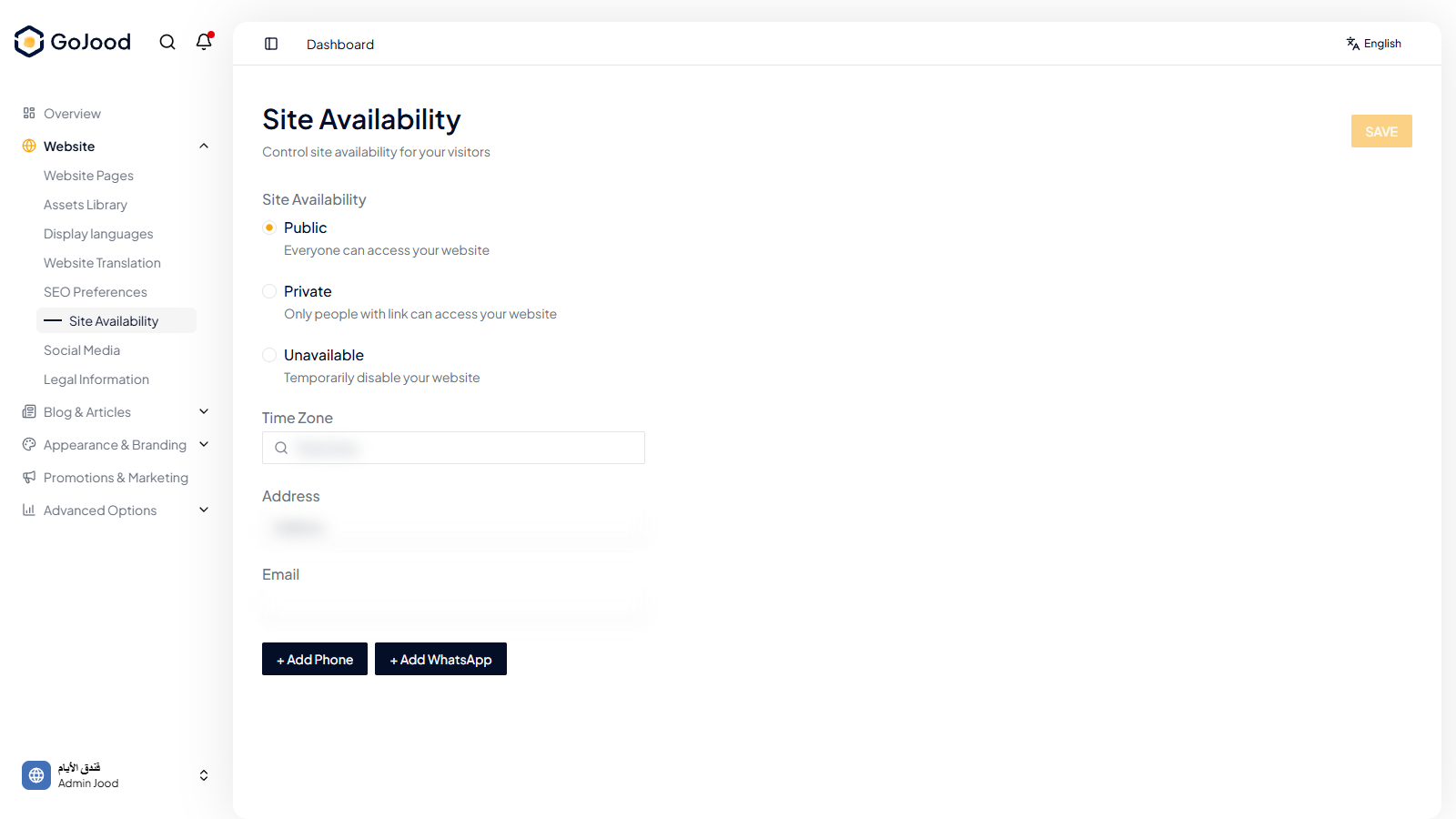
Caption: Availability control panel for live/maintenance behavior.
Verify After Completion
- Public behavior matches selected mode.
- Maintenance notice is visible when active.
- Returning to live mode works correctly.
Troubleshooting
- If results do not update, run a full page refresh.
- If save fails, review required values.
- If issue persists, share screenshot + exact steps with support.