Preferences and Language
Goal
Align admin experience with user locale and preferred settings.
Before You Start
- Confirm you are editing the intended account.
- Use a secure connection for sensitive account changes.
- Save changes and verify after refresh.
Steps
- Open Account Settings -> Preferences.
- Choose the interface language for daily work.
- Update available personal options (notifications/display).
- Save preference changes.
- Refresh and confirm language in navigation and key screens.
UI Snapshots (Real Interaction)
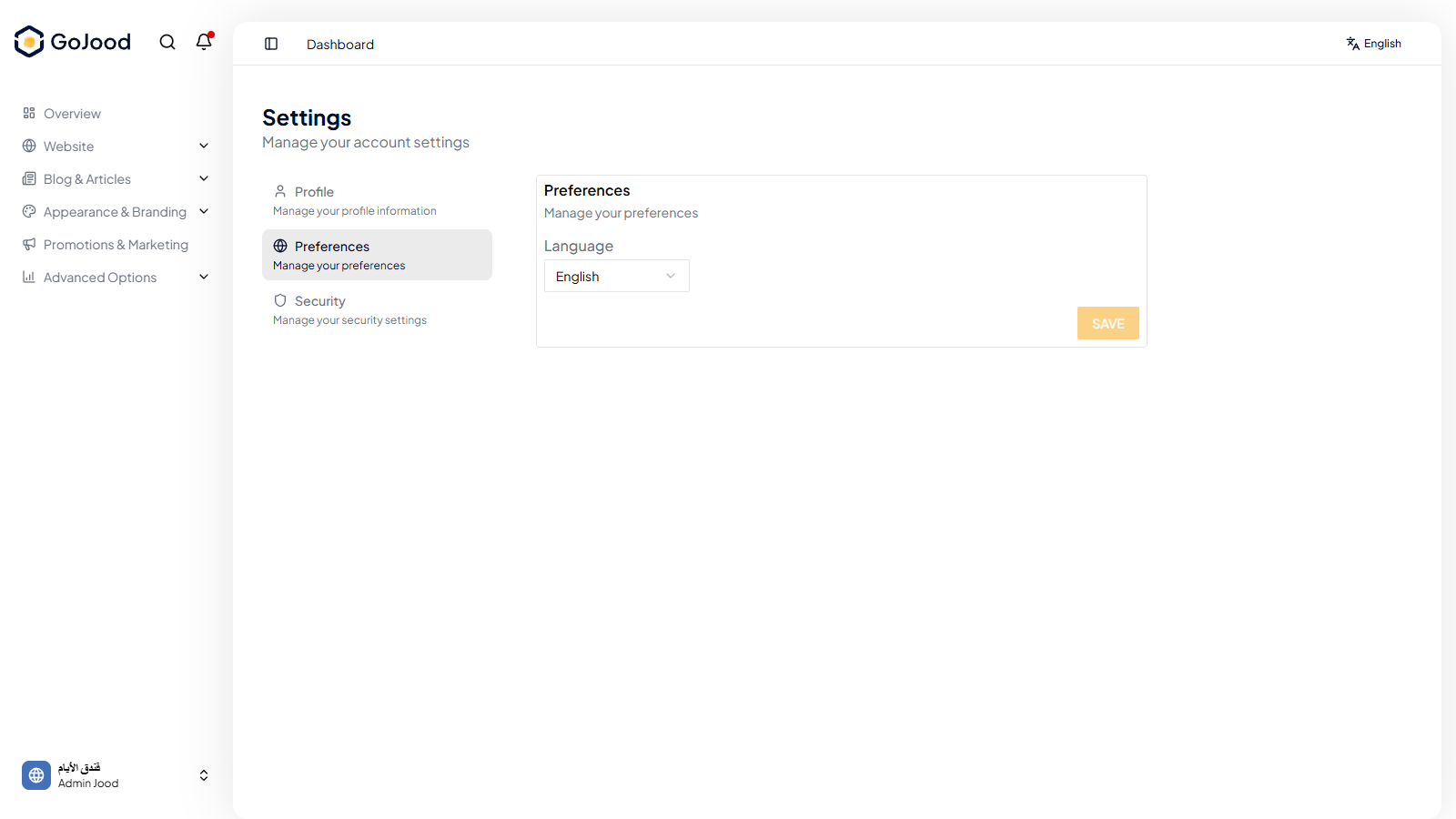
Caption: Preferences panel for locale and personal account setup.
Verify After Completion
- Interface language updates correctly.
- Navigation labels reflect selected locale.
- Preferences persist across sessions.
Troubleshooting
- If update does not save, review required fields.
- If values look stale, refresh and retry.
- If issue persists, check activity logs or contact support.