Invite and Manage Work Staff
Goal
Distribute access safely without sharing personal accounts.
Before You Start
- Confirm admin-level permission before advanced changes.
- Apply changes only on the intended website.
- Test result after each major update.
Steps
- Open Advanced Options -> Work Staff.
- Add a new member with correct email.
- Assign role based on responsibility scope.
- Send invite and track acceptance status.
- Update role or disable access when needed.
UI Snapshots (Real Interaction)
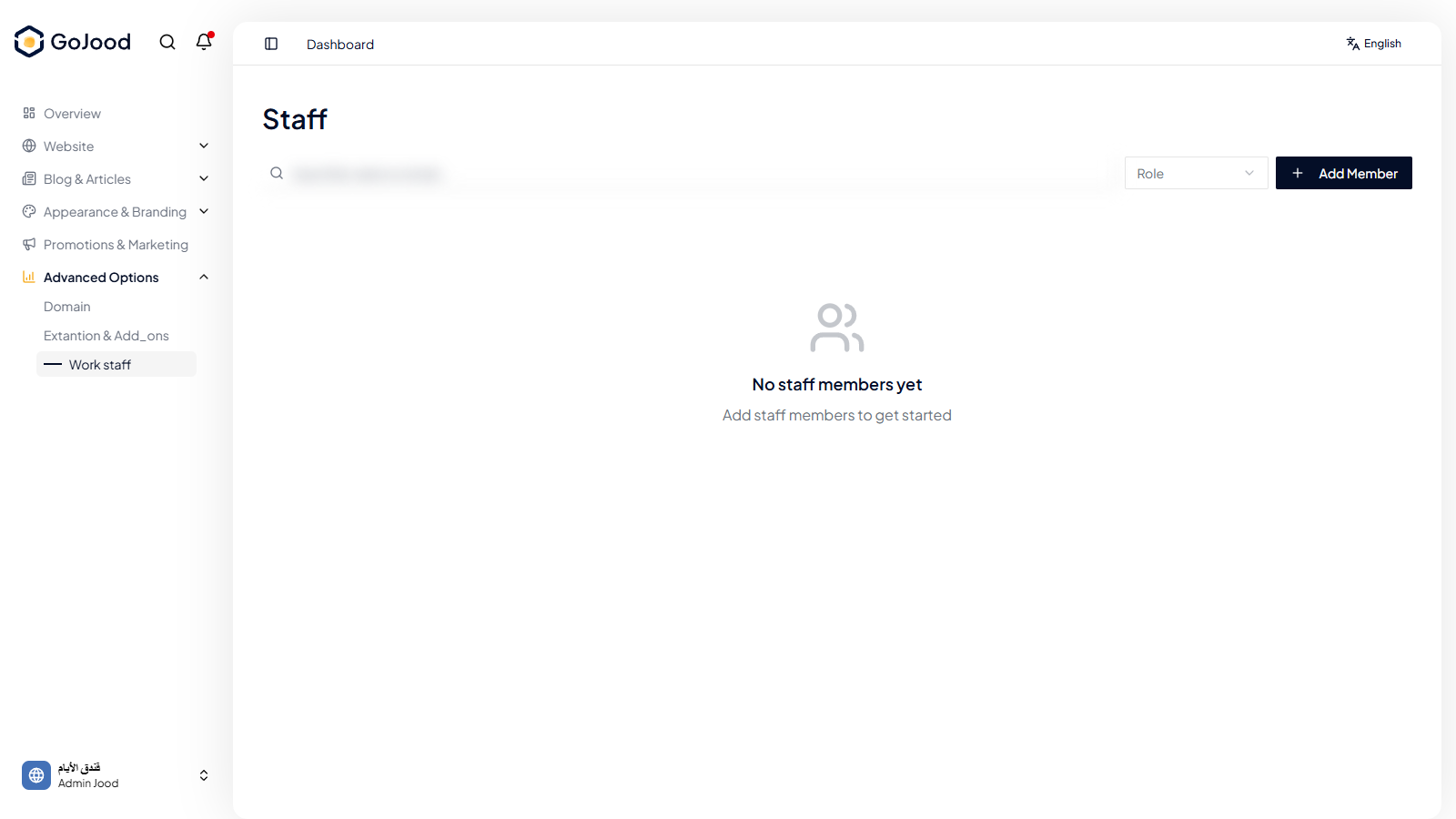
Caption: Work staff management screen for invitations and roles.
Verify After Completion
- Member appears with intended role.
- Invitation status is visible and up to date.
- No member has excessive permissions.
Troubleshooting
- If status does not change, refresh and re-check latest action.
- If save fails, review permissions and required values.
- If issue persists, share exact steps with support.