Create, Draft, and Publish Articles
Goal
Ship consistent content without editorial mistakes or accidental release.
Before You Start
- Confirm correct website context and content permission.
- Prepare your content plan before publishing.
- Always check preview before final status change.
Steps
- Open Blog & Articles then Articles.
- Create a new article with title, locale, and slug.
- Add content, featured image, and relevant tags.
- Save as draft and review preview.
- Publish now or schedule according to content calendar.
UI Snapshots (Real Interaction)
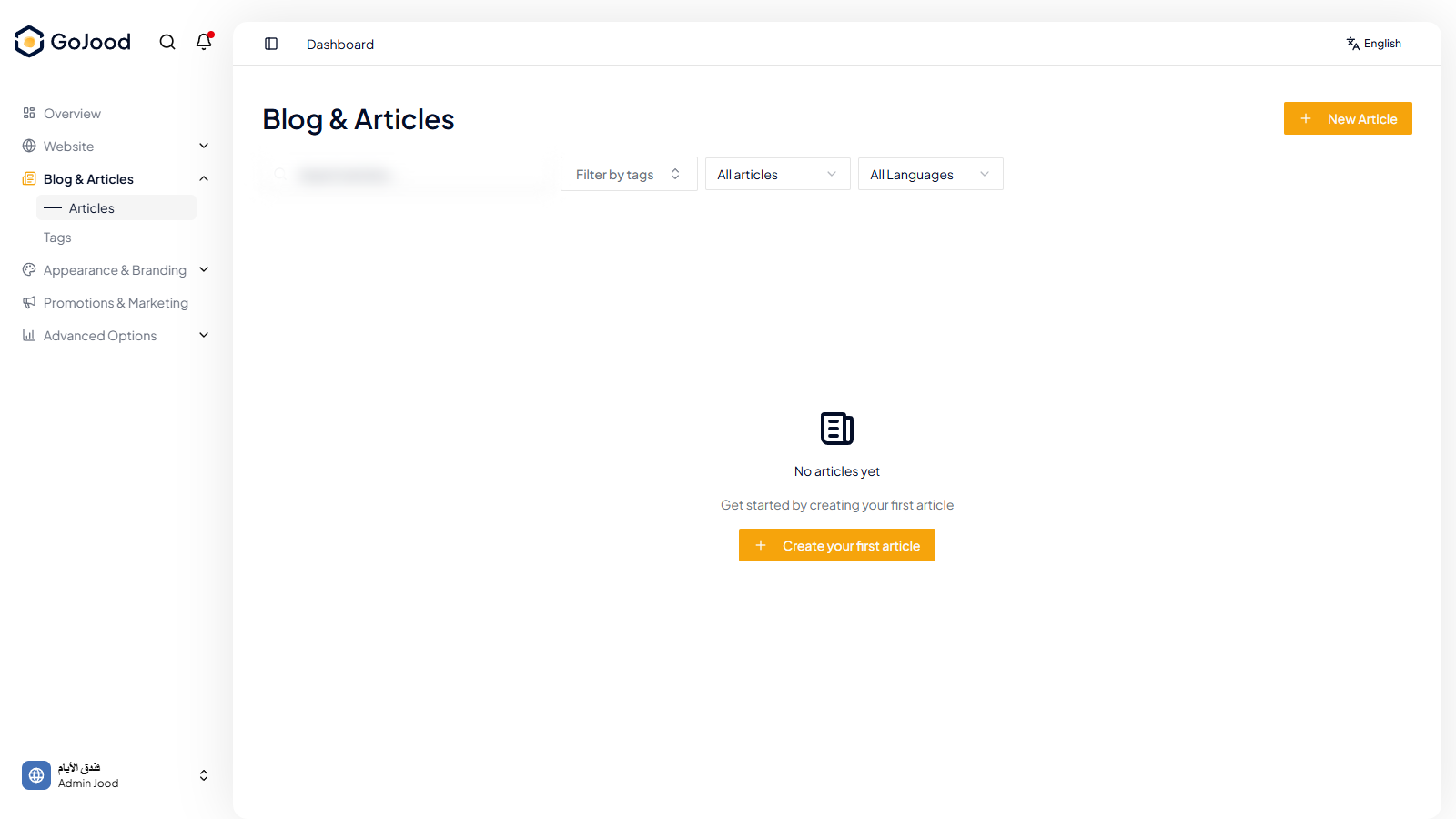
Caption: Articles workspace used to move content from draft to publish.
Verify After Completion
- Status transitions are correct.
- Article appears in the intended language.
- Preview is clean with no formatting issues.
Troubleshooting
- If status does not update, refresh listing and recheck.
- If save fails, review required fields and slug.
- If preview fails, validate content and media fields.