Create, Edit, and Publish Website Pages
Goal
Run a complete page lifecycle without breaking visitor experience.
Before You Start
- Confirm you are on the correct website context.
- Use an account with permission for this section.
- Save changes before leaving the page.
Steps
- Open Website then Pages.
- Select the core or custom page to update.
- Enter customization mode and edit needed sections.
- Save changes and review the preview.
- Publish and validate the page on public view.
UI Snapshots (Real Interaction)
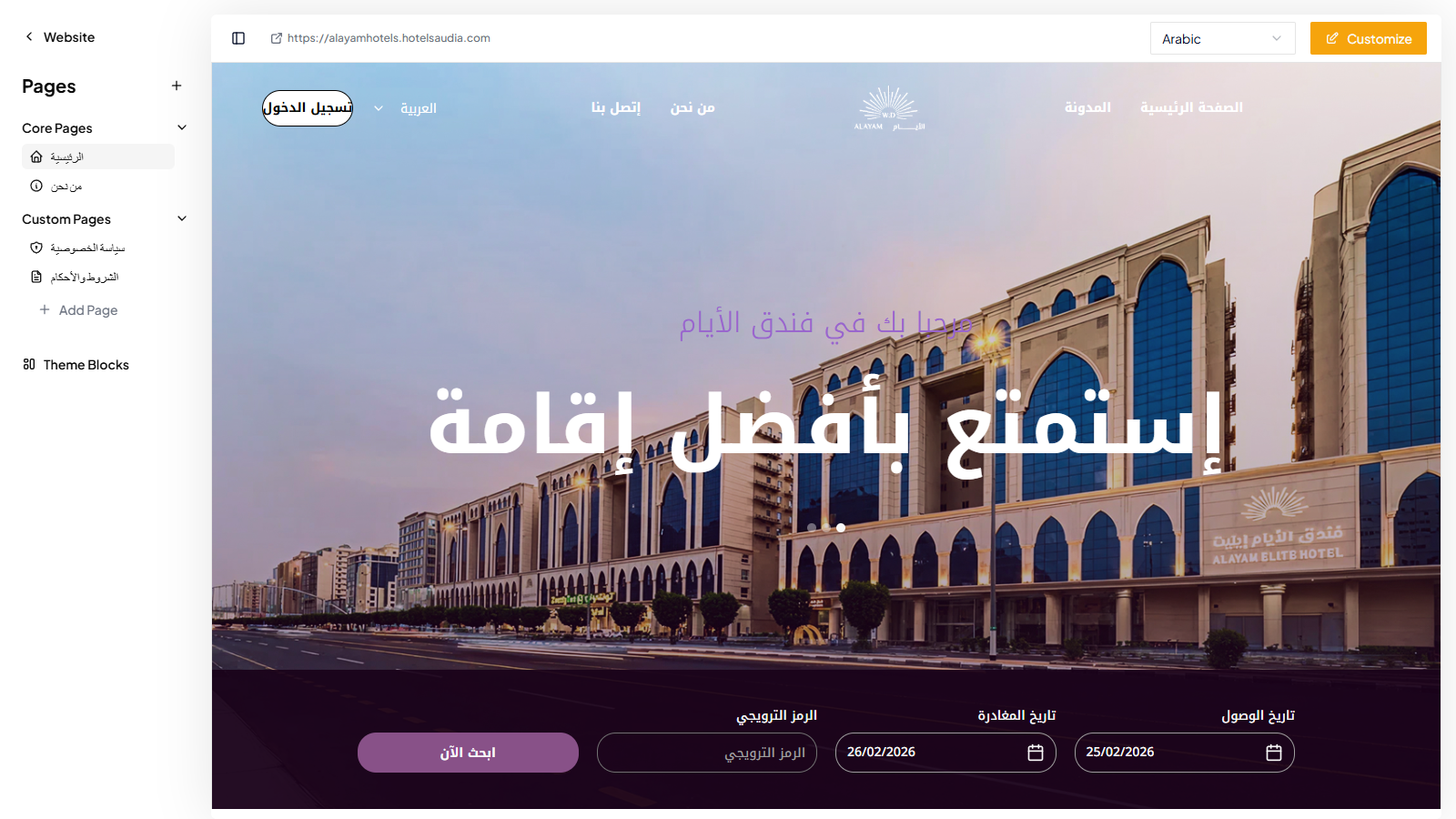
Caption: Pages workspace while selecting and updating a page before publish.
Verify After Completion
- Changes appear only on the intended page.
- No broken sections after publish.
- Public page renders correctly.
Troubleshooting
- If update is not visible, run a full page refresh.
- If save fails, review required fields and validation.
- If issue persists, share screenshot and exact steps with support.