Connect and Manage Extensions
Goal
Operate external integrations safely with stable behavior.
Before You Start
- Confirm admin-level permission before advanced changes.
- Apply changes only on the intended website.
- Test result after each major update.
Steps
- Open Advanced Options -> Extensions and Add-ons.
- Choose the integration and start connection flow.
- Provide required credentials/tokens.
- Save settings and run connection test.
- Monitor status and disconnect unused integration safely.
UI Snapshots (Real Interaction)
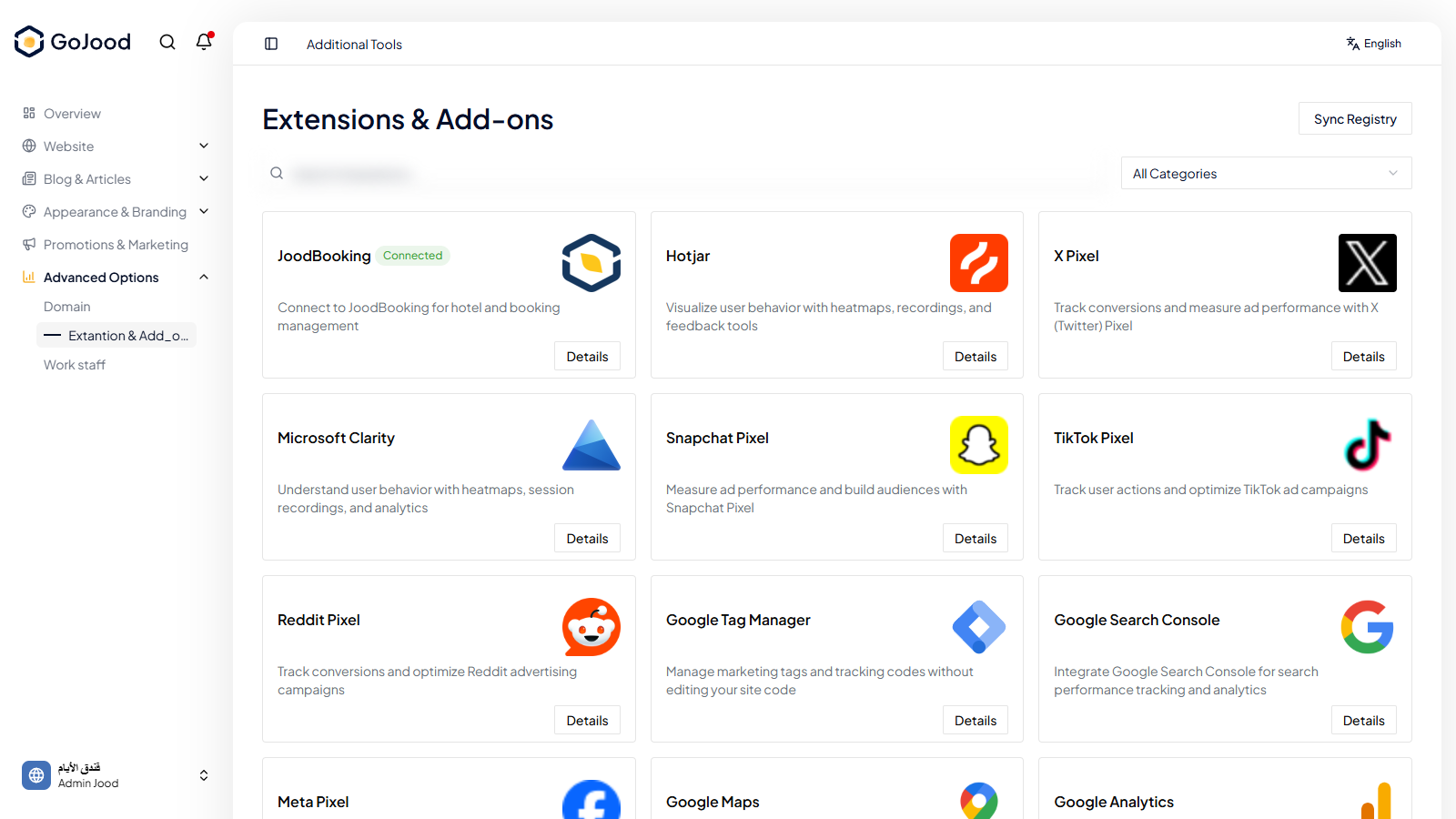
Caption: Integrations workspace used to connect and validate add-ons.
Verify After Completion
- Integration status is active.
- Connection test passes without auth errors.
- Disconnecting unused integration is safe.
Troubleshooting
- If status does not change, refresh and re-check latest action.
- If save fails, review permissions and required values.
- If issue persists, share exact steps with support.